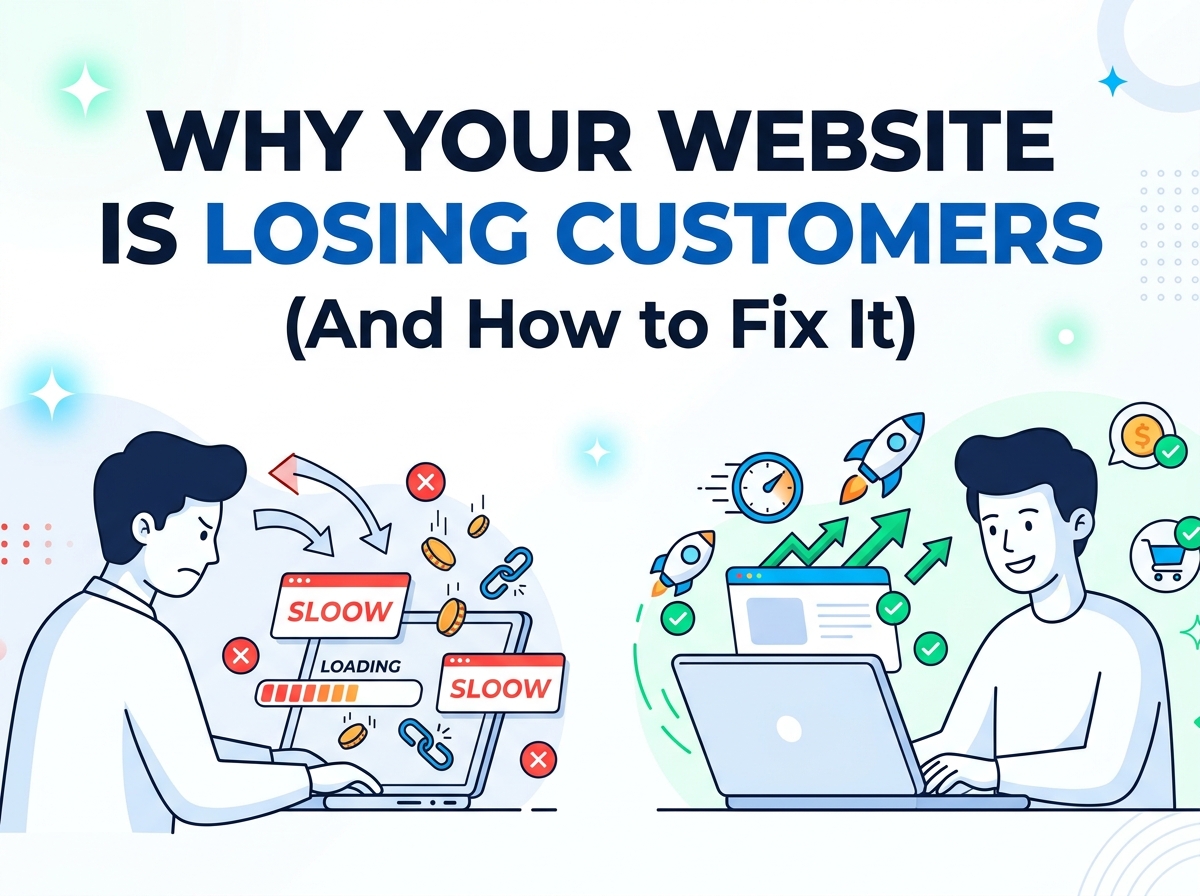
In 2026, a slow WordPress site isn’t just frustrating—it’s costing you rankings, leads, and revenue. Google’s Core Web Vitals remain a core ranking signal, and with AI Overviews and stricter page experience requirements, WordPress website optimization 2026 has never been more critical. Sites that hit “Good” thresholds on LCP, INP, and CLS see up to 24% higher conversion rates and better visibility in both traditional SERPs and generative search results.
As a freelance web designer and developer specializing in high-converting WordPress sites for startups and small businesses, I’ve optimized dozens of sites from 8-second load times down to under 1.8 seconds while boosting organic traffic 150%+. This complete WordPress website optimization 2026 checklist combines speed, SEO, and Core Web Vitals best practices into one actionable guide. Follow it step-by-step and you’ll achieve green scores across PageSpeed Insights, GTmetrix, and Google Search Console.
Whether you’re a business owner DIY-ing your site or hiring a freelancer, this checklist will future-proof your WordPress website for 2026 and beyond. Let’s dive in.
Why WordPress Website Optimization 2026 Matters More Than Ever
WordPress powers over 43% of the web, but it’s also notorious for bloat—plugins, heavy themes, and unoptimized media. In 2026, Google evaluates real-user data over 28 days. If 75% of your page views don’t pass Core Web Vitals, you’re losing ground to faster competitors.
Key benefits of proper WordPress website optimization 2026:
- Higher Google rankings (CWV is a confirmed ranking factor)
- Lower bounce rates and higher dwell time
- Better mobile performance (Google is mobile-first)
- Improved E-E-A-T signals through faster, more usable sites
- Higher ad revenue and conversion rates
Poor optimization? Expect higher TTFB (Time to First Byte), layout shifts that annoy users, and delayed interactions that kill engagement.
Understanding Core Web Vitals in 2026
Core Web Vitals consist of three metrics that measure real-user experience:
- Largest Contentful Paint (LCP): How quickly the largest content element (usually hero image or headline) loads. Good: ≤ 2.5 seconds Needs Improvement: 2.5–4.0s Poor: > 4.0s
- Interaction to Next Paint (INP): Measures responsiveness to user interactions (clicks, taps, keyboard). Replaces FID in 2026 as the primary interactivity metric. Good: ≤ 200 milliseconds Needs Improvement: 200–500ms Poor: > 500ms
- Cumulative Layout Shift (CLS): Visual stability—how much the page shifts unexpectedly. Good: ≤ 0.1 Needs Improvement: 0.1–0.25 Poor: > 0.25
These are part of Google’s Page Experience signals alongside mobile-friendliness, HTTPS, and no intrusive interstitials.
Core Web Vitals Optimization Checklist for WordPress
1. Fix LCP (Largest Contentful Paint)
LCP failures on WordPress usually stem from large hero images, render-blocking CSS/JS, or slow server response.
Actionable steps:
- Serve images in next-gen formats (WebP or AVIF) and compress to under 100KB for hero images.
- Preload critical images/fonts: Add <link rel=”preload”> in your header or use a plugin.
- Use a lightweight theme (e.g., GeneratePress, Astra, or Kadence) instead of bloated page builders on every page.
- Enable server-level caching and upgrade to PHP 8.2+.
- Implement a CDN (Cloudflare, BunnyCDN, or RocketCDN).
Pro tip: Lazy-load everything below the fold. Tools like WP Rocket or LiteSpeed Cache handle this automatically.
2. Improve INP (Interaction to Next Paint)
INP issues come from heavy JavaScript execution, especially from plugins, analytics, or chat widgets.
Actionable steps:
- Defer or delay non-critical JS (WP Rocket’s “Load JavaScript deferred” or Perfmatters).
- Remove or replace heavy plugins—audit with Query Monitor or Plugin Organizer.
- Minimize third-party scripts: Load Google Analytics, Facebook Pixel, etc., after user interaction.
- Use lightweight alternatives (e.g., self-hosted fonts instead of Google Fonts where possible).
3. Eliminate CLS (Cumulative Layout Shift)
CLS is often caused by images without dimensions, ads, or dynamically injected content.
Actionable steps:
- Always set explicit width and height attributes on images and embeds.
- Reserve space for ads, banners, and dynamic elements.
- Avoid inserting content above existing content during load.
- Use font-display: swap for custom fonts.
Quick Win: Run your site through PageSpeed Insights → “Avoid large layout shifts” report and fix every item.
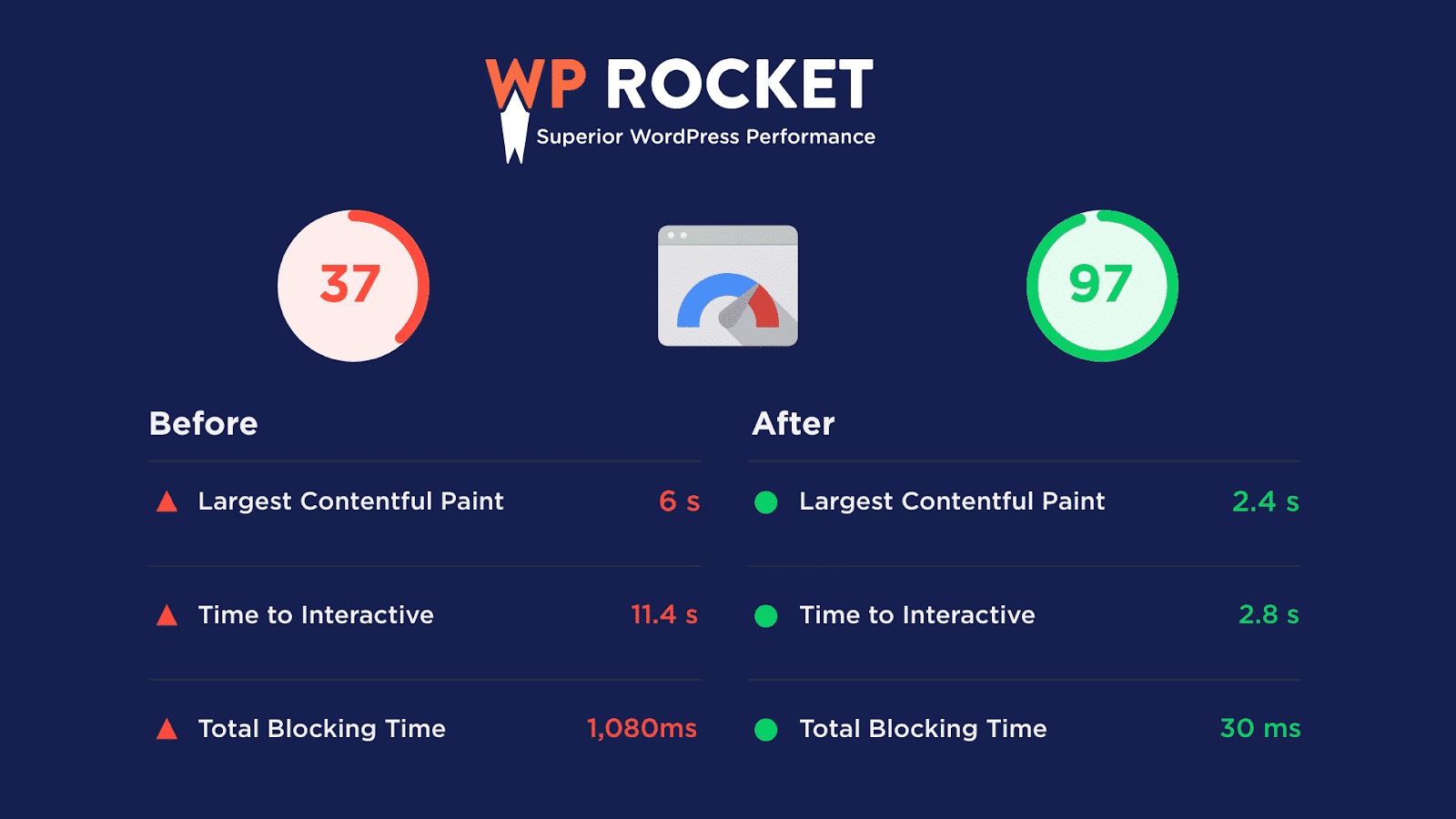
How to Score 100% on Google’s Page Speed Test: WordPress Edition
Full WordPress Speed Optimization Checklist 2026
Beyond Core Web Vitals, here’s the complete technical checklist I use for every client project:
Infrastructure & Hosting (Biggest Impact)
- Switch to managed WordPress hosting (Kinsta, WP Engine, Cloudways, or LiteSpeed-based hosts).
- Ensure TTFB < 600ms (test with GTmetrix).
- Enable HTTP/3 and Brotli compression at server level.
- Use Redis or Memcached object caching.
Caching Strategy
- Full-page caching (WP Rocket, LiteSpeed Cache, or FlyingPress).
- Browser caching headers.
- CDN edge caching for static assets.
Media Optimization
- Bulk compress all images (ShortPixel, Imagify, or Next3 Offload).
- Enable lazy loading + native loading=”lazy”.
- Convert to WebP/AVIF automatically.
- Offload media to cloud storage (S3, Bunny, Cloudflare R2).
Code & Asset Optimization
- Minify and combine CSS/JS (but test for conflicts).
- Remove unused CSS/JS with tools like Perfmatters or Asset CleanUp.
- Self-host Google Fonts or use system stacks.
- Limit plugins to < 25 essential ones.
Database Maintenance
- Clean revisions, transients, spam comments (WP-Optimize or WP Rocket’s database tab).
- Optimize tables regularly.
- Reduce autoloaded options (target < 1MB).
Expected results: Most sites drop from 4–6s load time to under 2s after these steps.
Integrated SEO Optimization Checklist for 2026
Speed and SEO are inseparable in 2026. Here’s how to align your WordPress website optimization with on-page and technical SEO:
- Yoast SEO or Rank Math Setup
- Enable XML sitemaps, breadcrumbs, and schema (Article, FAQ, HowTo where relevant).
- Optimize title & meta description with focus keyphrase “WordPress website optimization 2026”.
- Content & On-Page SEO
- Use proper heading hierarchy (one H1, logical H2/H3).
- Internal linking to related posts (create topic clusters).
- Image alt text with target keywords (e.g., “WordPress Core Web Vitals checklist 2026”).
- Technical SEO Essentials
- Mobile-first responsive design (test with Google’s Mobile-Friendly Tool).
- HTTPS everywhere + proper redirects (301s via .htaccess or Rank Math).
- Canonical tags for duplicate content.
- Structured data markup (Schema Pro or built-in plugins).
- Advanced SEO + Performance
- Implement hreflang if multilingual.
- Optimize for AI Overviews: Use clear, scannable content with lists and tables.
- Monitor Search Console for Core Web Vitals report and fix issues within 28 days.
Pro tip: Combine Yoast readability analysis with speed checks—short paragraphs, subheadings, and bullet lists improve both UX and SEO scores.
Best Tools & Plugins for WordPress Website Optimization 2026
Here’s a data-driven comparison based on real-world Core Web Vitals pass rates:
| Plugin/Tool | Type | CWV Pass Rate | Best For | Price |
|---|---|---|---|---|
| NitroPack | All-in-one | 54% | Automated everything | Free / $7–83/mo |
| WP Rocket | Caching | 50% | Beginner-friendly | $59/year |
| LiteSpeed Cache | Caching | 48% | LiteSpeed servers | Free |
| FlyingPress | Performance | High | Advanced users | Paid |
| ShortPixel / Imagify | Image optimization | N/A | Media-heavy sites | $4.99+/mo |
| Perfmatters | Asset control | 51% | Script management | Paid |
My recommended stack for most clients:
- Hosting: Cloudways or LiteSpeed
- Caching: WP Rocket or LiteSpeed Cache
- Images: ShortPixel + CDN
- SEO: Yoast SEO or AIOSEO
- Monitoring: Query Monitor + GTmetrix
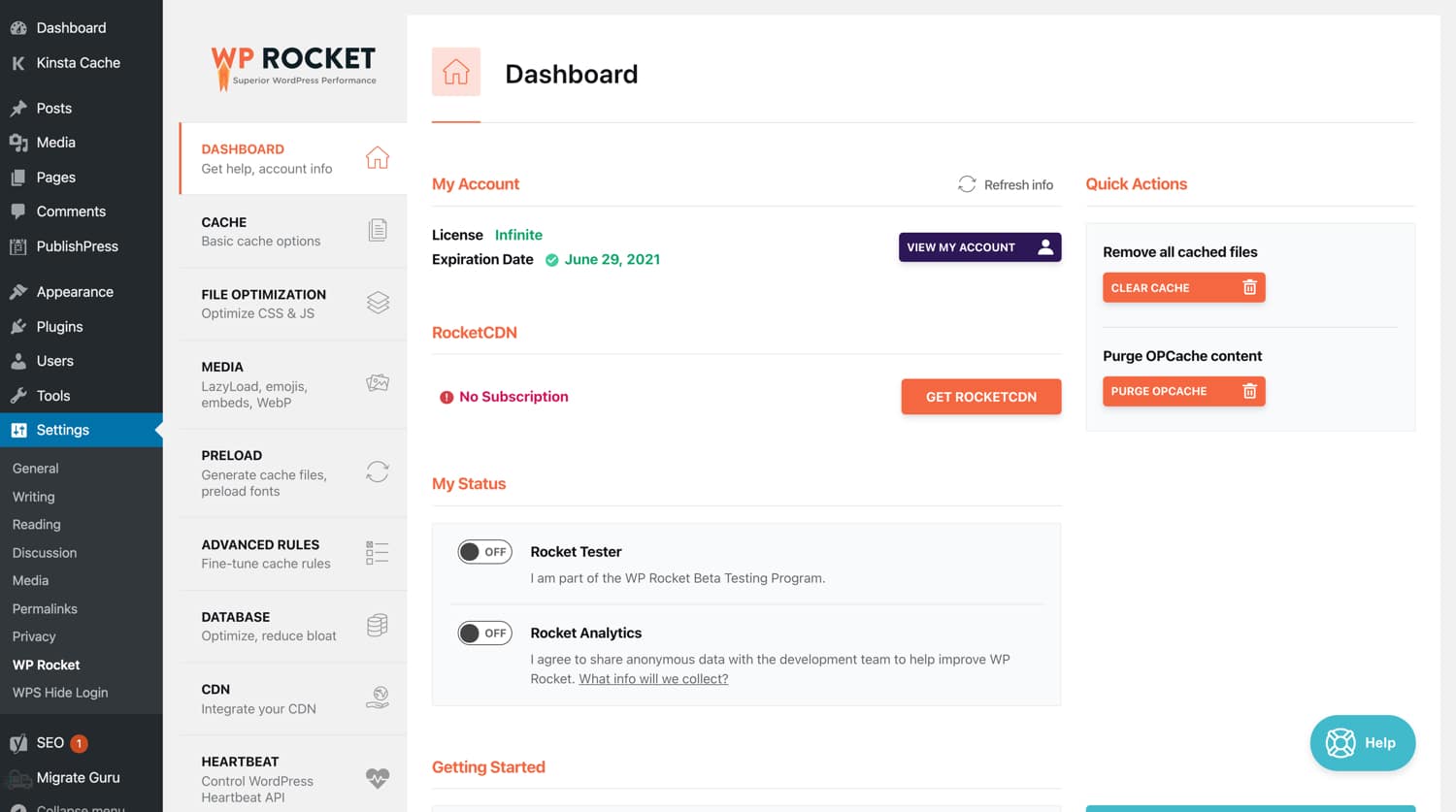
7 Best Cache Plugins for WordPress to Boost Your Website Performance
My Freelance WordPress Optimization Process (Case Study Style)
When a client approaches me at dannypro.io for WordPress website optimization 2026, here’s exactly what I do:
- Full audit (PageSpeed, GTmetrix, Search Console, Query Monitor).
- Backup + staging site.
- Infrastructure upgrades first (hosting/database).
- Plugin audit and cleanup.
- Media + code optimization.
- CWV-specific fixes (LCP/INP/CLS).
- On-page SEO refresh.
- Launch, monitor 30 days, iterate.
Real example: A startup e-commerce site went from LCP 5.8s / INP 620ms / CLS 0.32 → LCP 1.9s / INP 180ms / CLS 0.04 in under 10 hours of work. Organic traffic increased 180% in 90 days.
Common Mistakes to Avoid in 2026
- Using too many page-builder plugins (Elementor on every page kills LCP).
- Ignoring database bloat until it’s 10GB+.
- Forgetting to test on real mobile devices (not just emulators).
- Over-optimizing to the point of breaking functionality.
- Not monitoring after changes—always re-test CWV in Search Console.
Measuring & Monitoring Your Optimization Results
Tools I recommend:
- Google PageSpeed Insights + Search Console (Core Web Vitals report)
- GTmetrix + WebPageTest
- DebugBear or CrUX data for real-user metrics
- WordPress plugins: Jetpack Boost, WP Rocket Analytics
Set up weekly automated reports and aim for 90+ scores consistently.
Frequently Asked Questions
Q: How long does WordPress website optimization 2026 take? A: Basic fixes: 4–8 hours. Full overhaul: 1–3 days depending on site size.
Q: Do I need to hire a developer? A: For simple sites, plugins get you 80% there. For complex or high-traffic sites, professional optimization saves time and avoids costly mistakes.
Q: Will these changes affect my design? A: No—proper optimization enhances speed without sacrificing aesthetics.
Q: Is Core Web Vitals still important after 2026 core updates? A: Absolutely. Google continues to emphasize page experience.
Ready to Future-Proof Your WordPress Site?
Implementing this WordPress website optimization 2026 checklist will give you faster load times, better rankings, and happier visitors. If you’d rather have an expert handle it end-to-end—from audit to launch to ongoing monitoring—let’s talk.
At dannypro.io, I specialize in Tailwind-powered, high-performance WordPress websites that rank and convert. Book a free 30-minute consultation and I’ll run a full Core Web Vitals audit of your site at no cost.
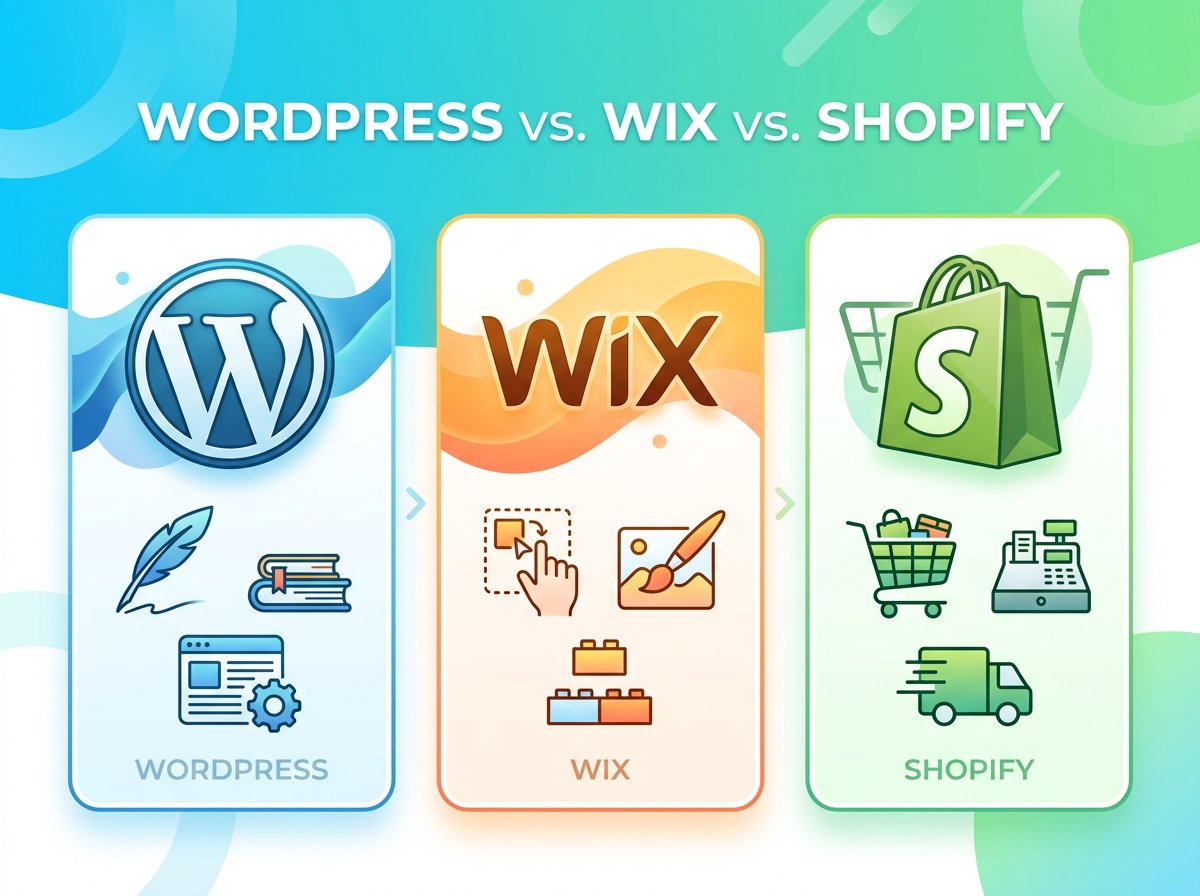
WordPress vs. Wix vs. Shopify – Which Platform Is Right for Your Business?